INFIN8MODULAR SYNTH
INDEPENDENT INSTRUMENTS / SEOULVOL. 01 — v0.5.46

Start simply.
Take it
to the stage.

Electronic music and media art, from your first experiment to your own performance. Create sound and visuals with a software modular synth, then develop them into an audiovisual practice that is yours.

Explore the instrument ↗Beta · $39 $0

An instrument you can play right here on the web, with nothing to install. The free beta is open now. Give it a try—there’s a remarkable world waiting to be explored.

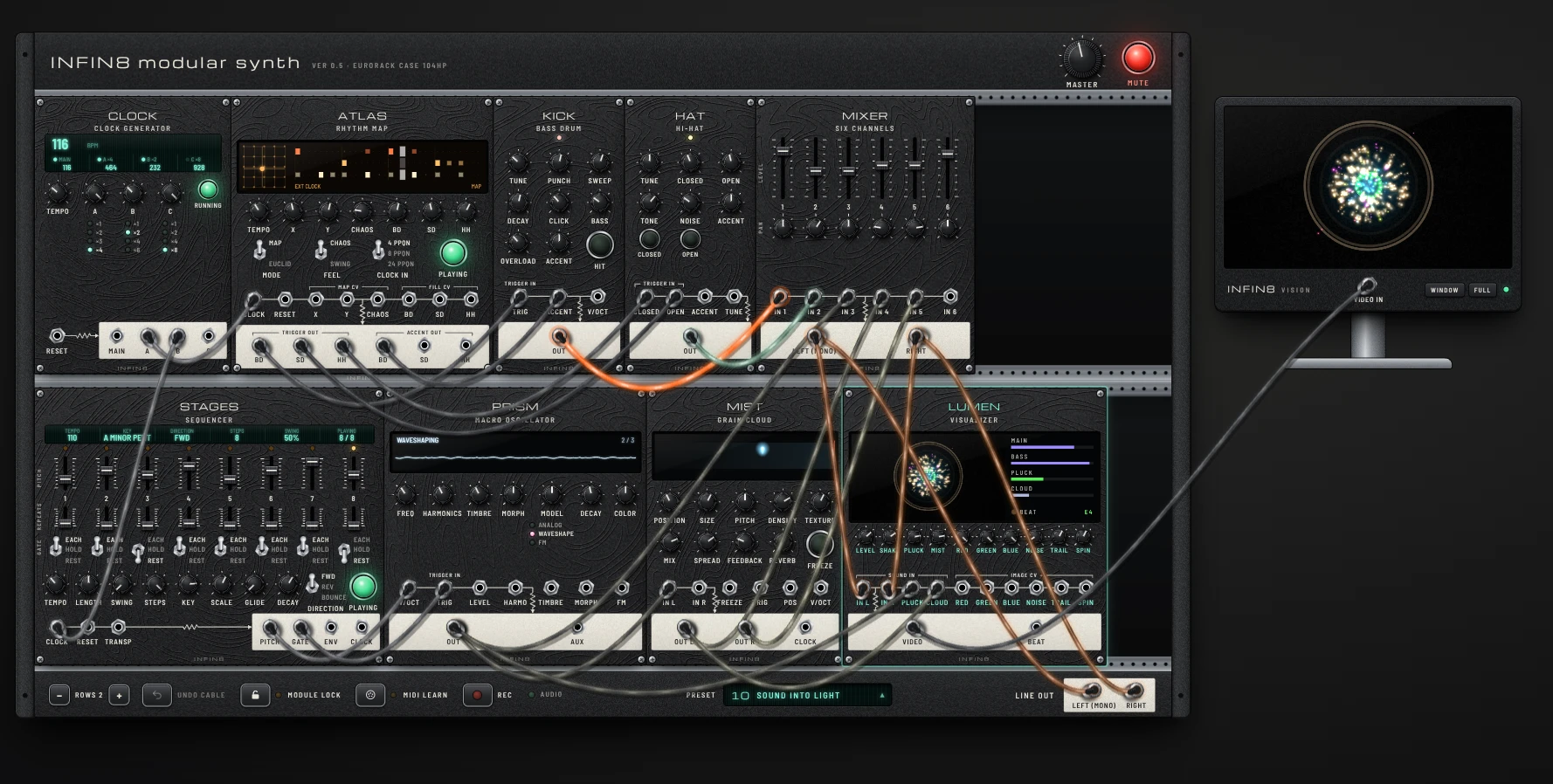
INFIN8 / LIVE INSTRUMENTOpen full size ↗
Desktop recommended. Click to start. Use MUTE to pause the sound.WEB AUDIO / MIDI / VISUALS

A software modular synthesizer and audiovisual tool.

(You can use it on mobile, but the instrument needs a larger screen. We recommend playing on a desktop or laptop.)

Electronic music and media art. An accessible place to begin.MADE BY CIRCL8 / DANC8
01 / THE INSTRUMENT

Create sound and visuals
with a raw, visceral energy.

Step beyond a fixed timeline. Patch sound and modulation, let visuals respond, and discover a piece that evolves as you play. For artists looking for a fresh audiovisual language.

01 — PATCH
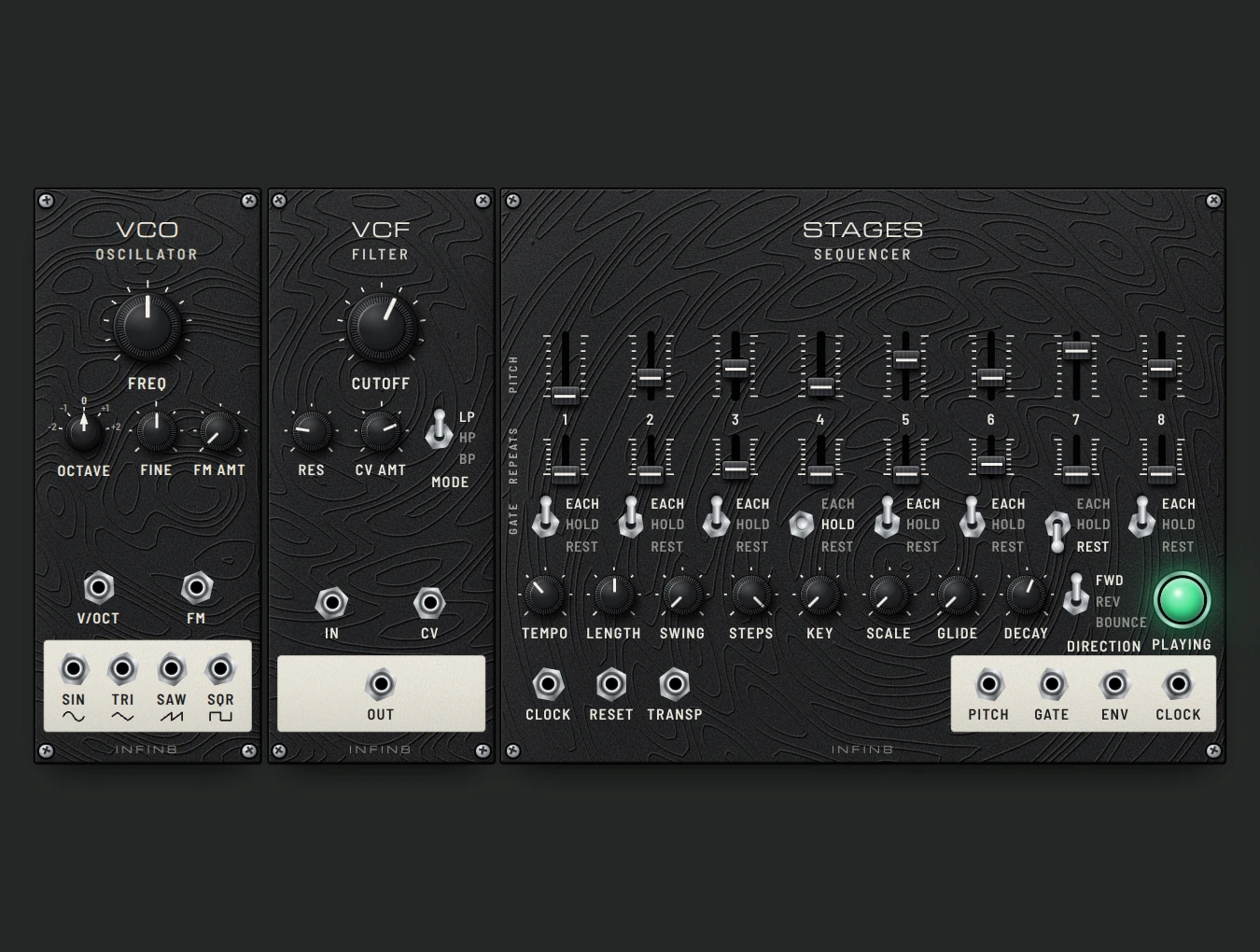
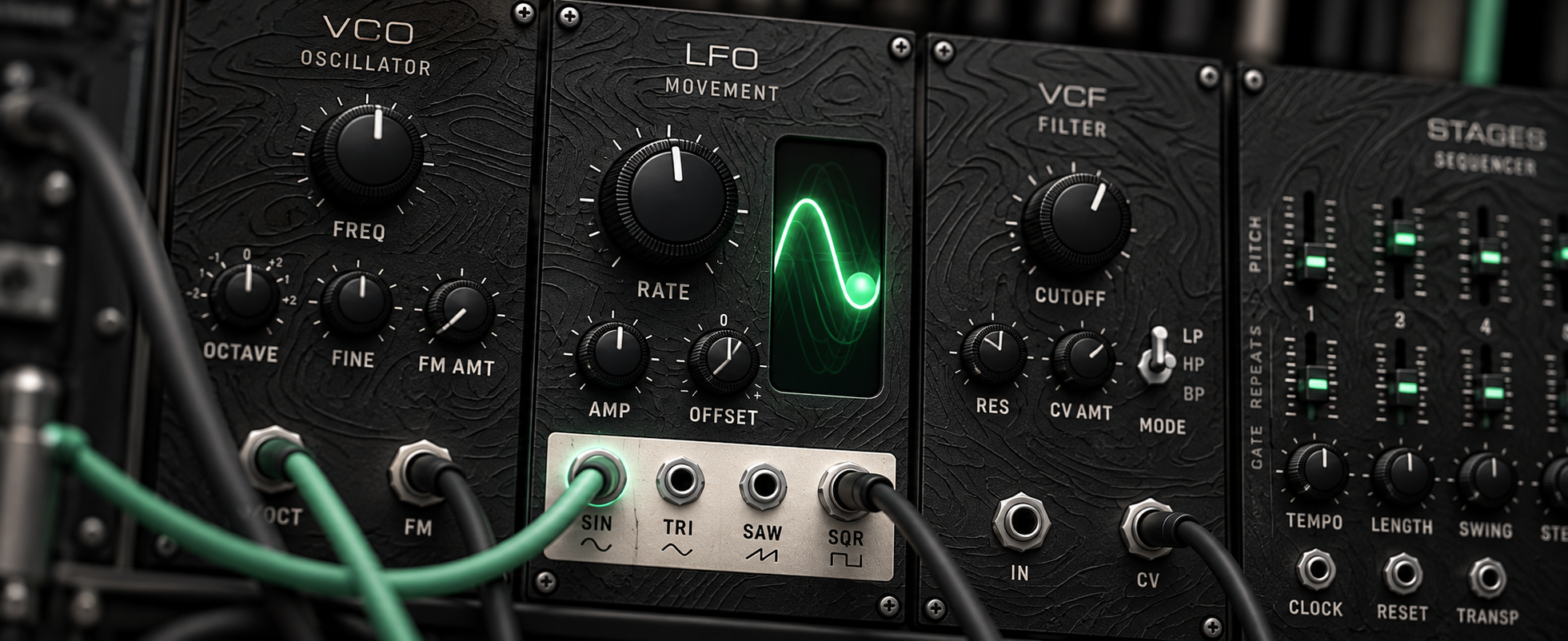
VCO, VCF and STAGES sound modules

The raw thrill of electronic music.
Modular synthesis,
in software.

Bring the logic of a modular rack to your computer. Connect oscillators, filters and sequencers to explore rhythms and textures, without buying a hardware system. Start with a lesson patch or build your own.

VCO · VCF · STAGES · RHYTHM
02 — SEE
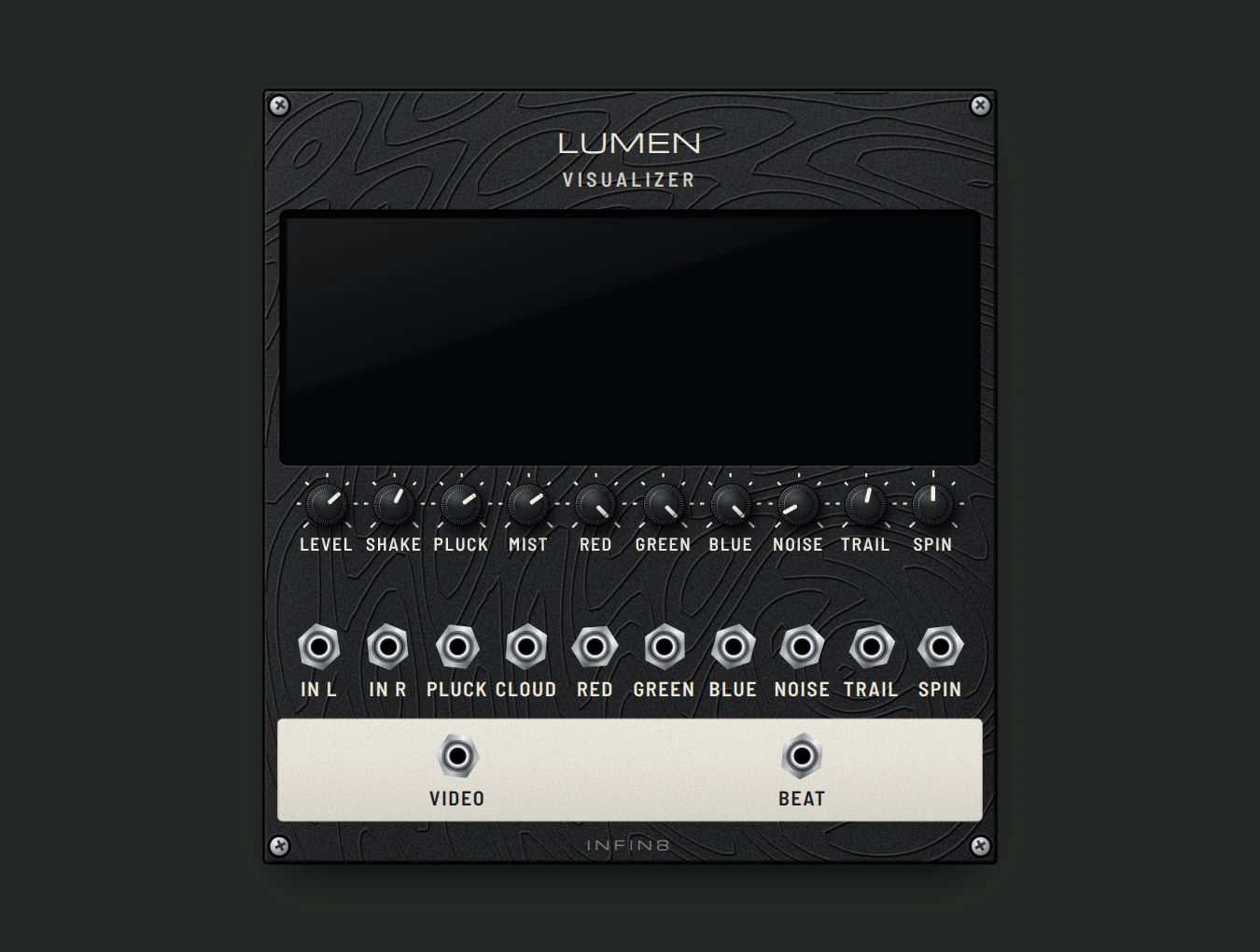
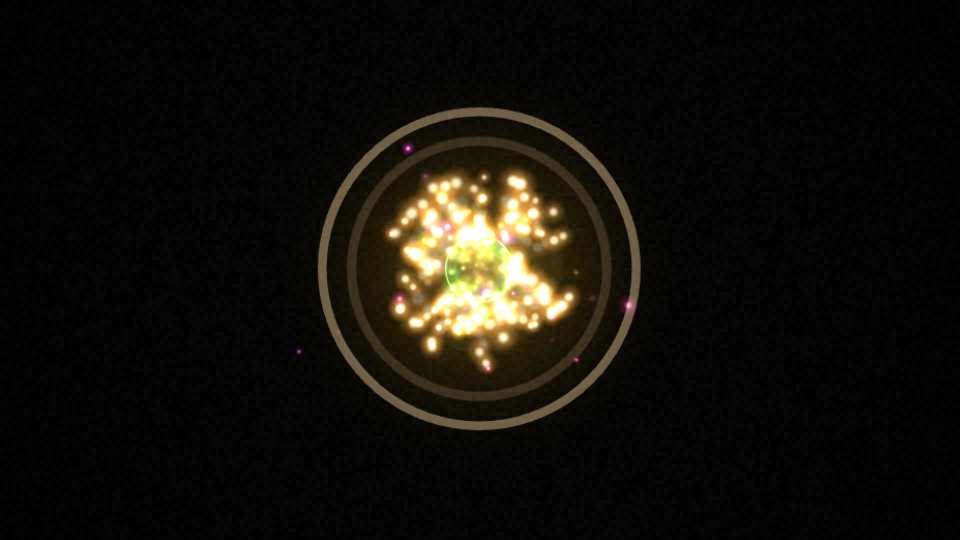
LUMEN visual synthesis moduleActual audiovisual output from the LUMEN demo

Your first
audiovisual piece.

Turn sound into particles with LUMEN, shape video with SCAN, and transform it through KALEIDO. Play your music with DECKS, record visuals and sound, or open the visual output on a second display.

LUMEN · SCAN · KALEIDO · DECKS
03 — GROW
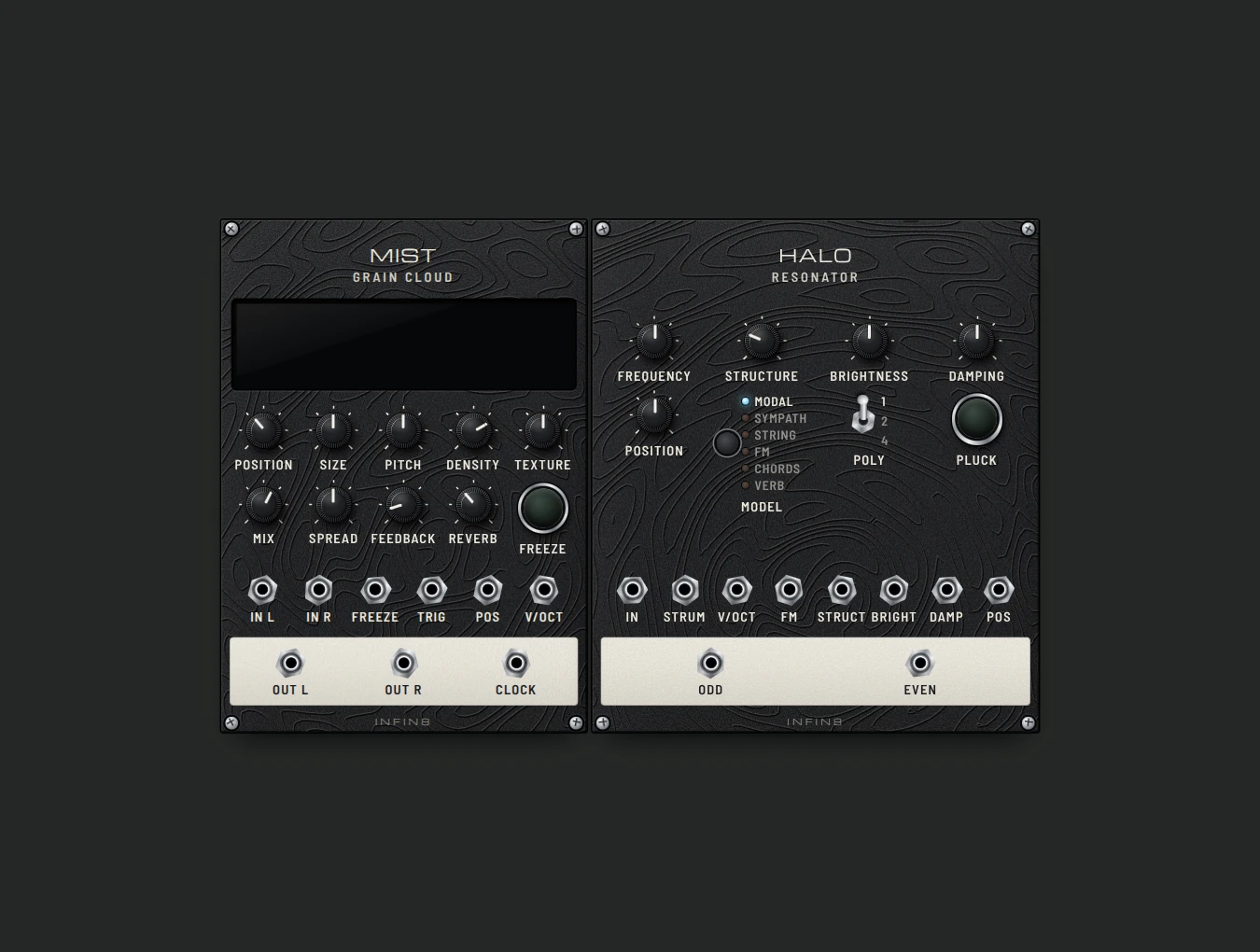
MIST and HALO sound texture modules

One more tool.
Your own language.

Add INFIN8 to your artistic practice: a sketchbook for sound, a starting point for a moving image, or an instrument for performance. Import .inf8 modules in the browser or local edition as your ideas develop.

.INF8 MODULES · TEMPLATES · LIVE RELOAD
02 / FROM PATCH TO PIECE

Start on your own, one step at a time.

From one small patch
to a finished piece.

For modular enthusiasts exploring visuals, media-art newcomers exploring sound, and artists looking for another way to express an idea. You can begin with a prepared patch and learn by changing it.

FOR ARTISTS / FROM STUDIO TO STAGE

An easy way in.
Space for serious work.

Bring INFIN8 into your professional creative practice. Shape the sound, control the image and build a performance around your own patch. An expressive tool for audiovisual pieces, sound experiments and live sets.

Hands-on performance

Map a MIDI controller to the rack with MIDI Learn in supported browsers.

Sound-driven visuals

Use CV to modulate LUMEN’s colour and motion as audio drives the image.

Beyond the laptop screen

Open the visual output in its own window for a second display or projector.

An instrument you can extend

Save patches to develop a piece over time, and add .inf8 modules to your local rack.

03 / OPEN BETA

A new tool
for your practice.

The INFIN8 browser beta is open now. Play with sound and visuals, save projects, and import .inf8 modules right in the browser. The local edition is a separate release.

Try the live beta ↗
INFIN8 / WEB BETABETA OPEN
$39$0

Free during the public beta

  • Play in a desktop browser
  • 25 modules for sound, video & playback
  • Patch files, MIDI Learn & recording
  • Import .inf8 modules in this browser
Start free beta ↗

Click above to open the instrument. No payment or account is needed for the web beta.

04 / BETA GUIDE

Good to know.

A clear picture of what INFIN8 does today.

What do I need to run it?

Use a desktop or laptop with a modern browser. No installation is required for this web beta. Chrome or Edge is recommended for MIDI Learn. Mobile and Safari are not the primary supported experience.

Does it work inside my DAW?

INFIN8 v0.5.46 runs in a browser with a local server. It is not a VST, AU or CLAP plug-in. REC offers FULL SCREEN and AUDIO VISUAL, both with sound. Choose MP4 or WEBM, then press START RECORDING. Full-screen recording needs screen-sharing permission; format availability depends on your browser. Save and open your work in Projects.

How is the demo different?

The v0.5.46 web beta includes 25 modules and 14 lesson presets. Import .inf8 files through Add module → Import module; web imports stay in this browser. A separate local edition can watch the modules folder for updates.

What happens after payment?

Click Start free beta, then click the instrument to begin with sound. Open a lesson preset or turn a knob and patch a cable. Your projects are saved in this browser; export a file from Projects to keep a copy.

Updates, refunds and support?

The beta is still evolving. For feedback or compatibility questions, email bbang486@gmail.com.

Privacy & credits

This page has no signup form or advertising trackers. The beta saves projects in your browser. Hosting providers process requests to serve the site. INFIN8 builds on open-source work, including DSP by Émilie Gillet. Source notices are retained in the modules. Fonts: Barlow & Michroma, SIL Open Font License.